Team Members, Team Captains & a Teams National Judge all get an email when Certificates and SocialMedia slides are announced for download.
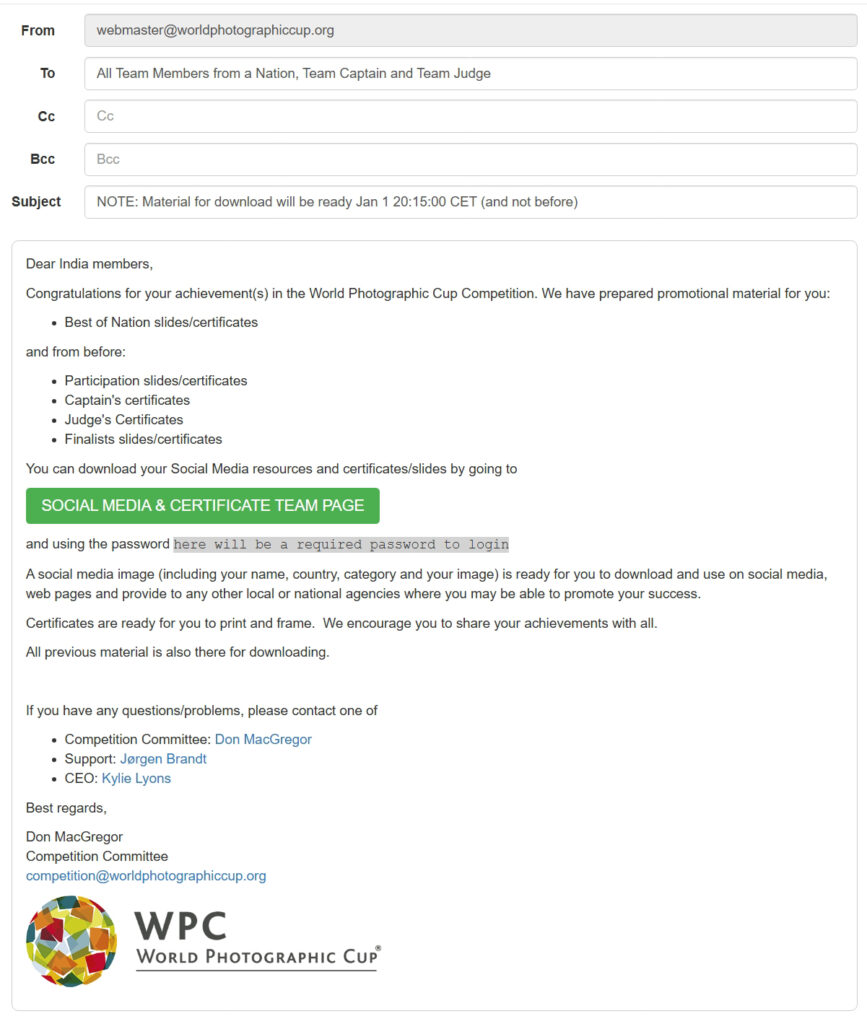
Emails look like below
In Subject line will be date and time the material is ready for download.
In email body we mention WHAT material will be ready at that specific time.
Material will NOT be possible to download before that time.
Click on the green bottom Social Media & Certificate Team Page
When you clik the Social Media & Certificate Team Page you come to a login window
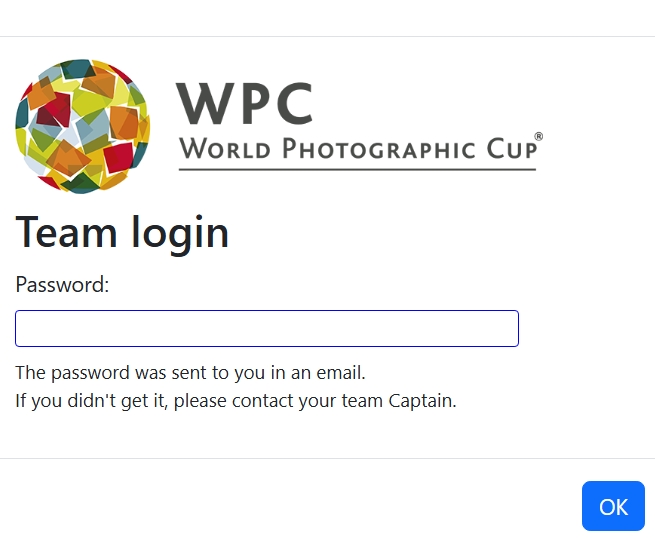
Here you enter the very long code (copy past is easier than writing it) – here will be a required password to login
Once logged in you will see
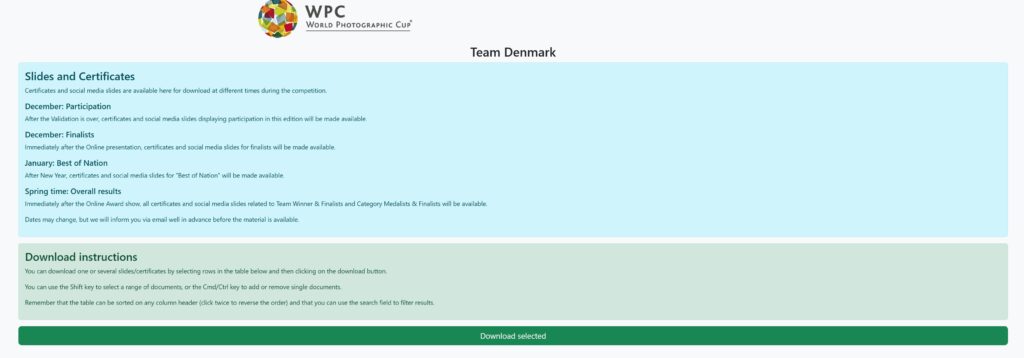
Beelow this will be ALL Social Media slides and certificates related to your Team – both yours and the other Team members
You can find your material by scrolling, entering a search term (your name f eks) in the Search Field
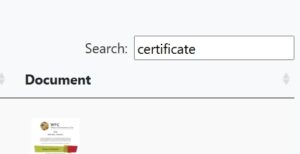
After the search – and below the Team Header (as sample above) – will be the Search Result
Select the items you would like to download. You can select a specific item or more items by Shift+Click for a range – and Ctrl/Command+Click for several individual items. Then Click the green Download Selected bottom. You will then download a ZIP-file with the items
You can also click a tumbnail of an item to see the item as a POPUP – and from there right click to download that item.
We hope you will have good use of SocialMedia slides on your social media and/or website
The Certificates are in a resolution for you to print and frame…..