The LIVE LINK in Live Judging events is intended for different uses:
DIGITAL Live Judging events on one or more shared calibrated screens, where judges use normal Live Judging interface to do actual scoring of images.
Audience View on public Live Judging events, f ex on one or more large screens so the audience can both see/listen to judges and simpler follow which image judges are judging. We recommend using calibrated screens/projectors.
LIVE BROADCAST in a set up where the broadcast could be a mix of the LIVE LINK in a browser window, sound by judges & Head Judge, and possible one/more cameras showing the Judges/Head Judge. The complexity of this Broadcast could be as simple or complex as the organizers intend it to be.
The link used stays the same within a dedicated competition and may be used WITHOUT being logged in as a user at Photo-Competition.software.
How to set up a live link Log in to Photo-Competition.Software with an “Office” or “Administrator” account and go to the “Judging” Tab In the “Judging” Tab – go to the relevant Judging event & Click View (to the right)
Then click on the blue bottom “Live Link”, which open a new tab with the live link
Whitin a dedicated competition (In sample: “Judging results for Test konkurrence”) the live link will stay the same for all Categories judged (In sample: “Reklame / Kommercielt”) From the browser windows address/URL line the link can be copied and given to relevant people. The link can be used without being logged in at Photo-Competition.software. Sample URL: https://photo-competition.software/DFF//socket/live-view.php?………..
How to use the interface of a Live Link
The Head Judge controls what is displayed in the Live Link by sending info to the Live Link browser window at the exact same time as sending the link to participating Judges in the Live Scoring event.
The initial view – while waiting for the Head Judge to present an image is:
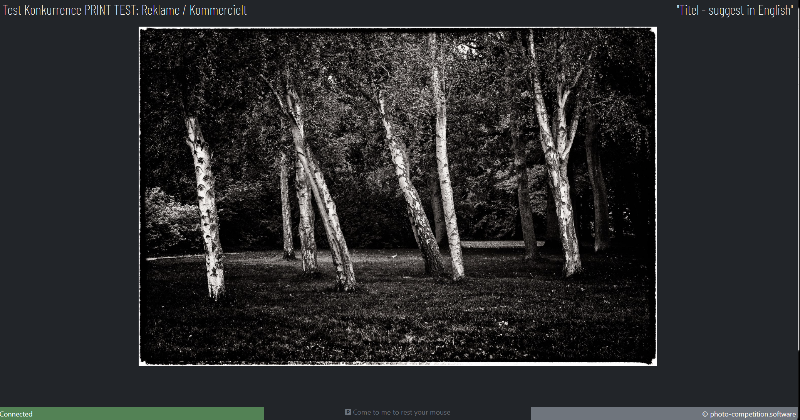
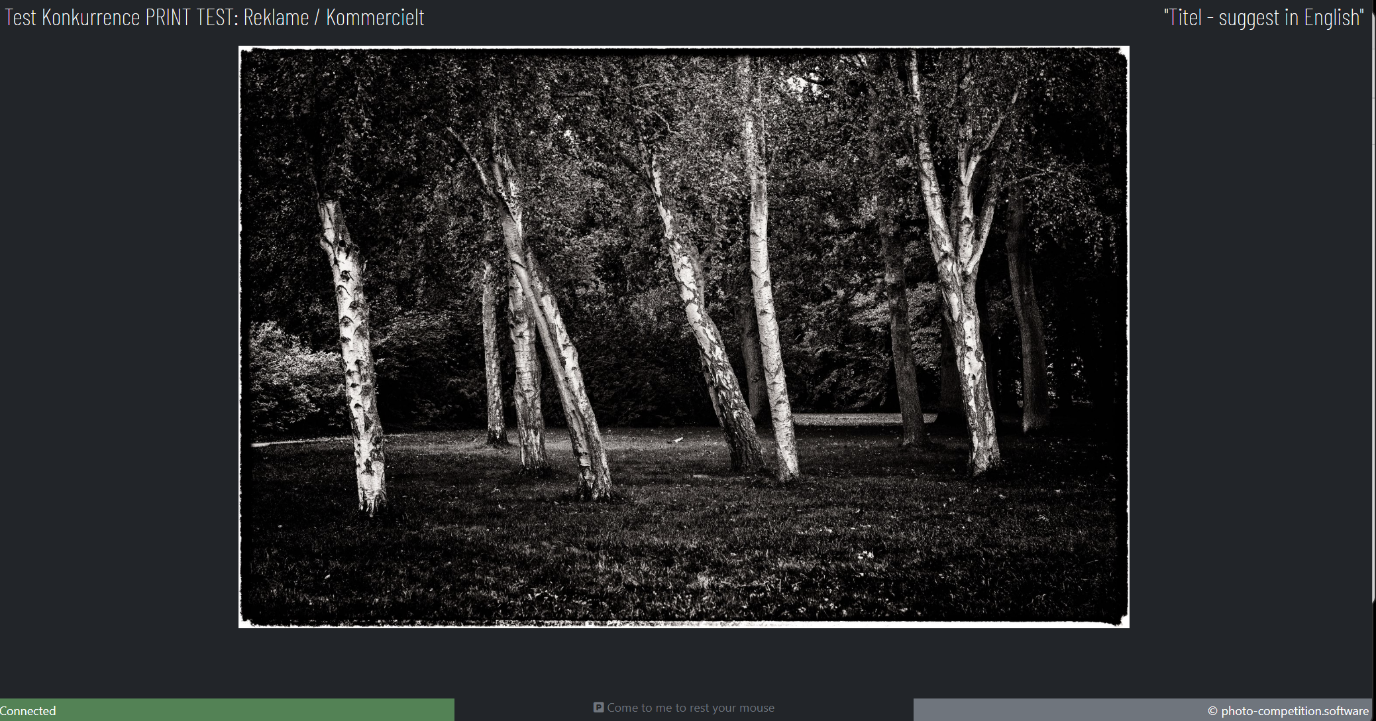
When the Head Judge has asked for a score, it will look like:
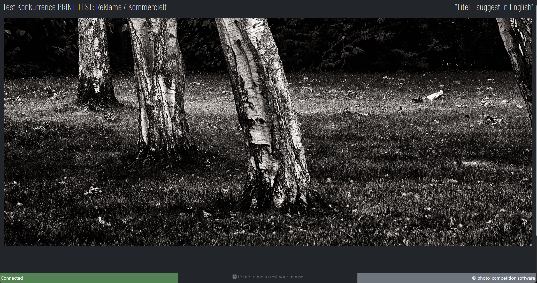
Moving your mouse cursor over the displayed image zooms to 100% of the original submitted file.
100% means one image pixel takes up one screen pixel.
Connected – shows your browser is connected to Photo-Competition.software Come to me to rest your mouse – is a safe area for your mouse cursor to rest to NOT zoom in on image. The mouse cursor disappears when in this area, so it does not distract the viewer.
Each individual user of the Live Link interacts with the interface individually, so f ex a zoom by one user does not interfere with how other users see the page.
Need to run a photo competition in your country, your club or amongst friends? Feel free to contact us! We can assist you, not only with the competition but also training for judges.


 How to set up a live link
 Then click on the blue bottom “Live Link”, which open a new tab with the live link
 The Head Judge controls what is displayed in the Live Link by sending info to the Live Link browser window at the exact same time as sending the link to participating Judges in the Live Scoring event.
 When the Head Judge has asked for a score, it will look like: